

as often as you like
every ten minutes or once an hour. you choose, and you can switch it off any time.
my droop for mac
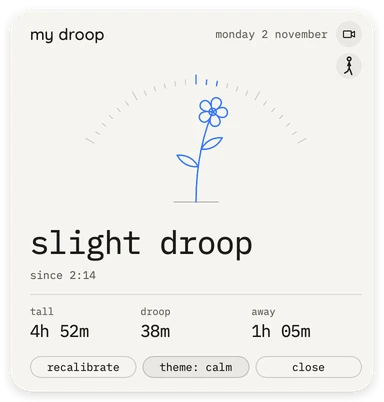
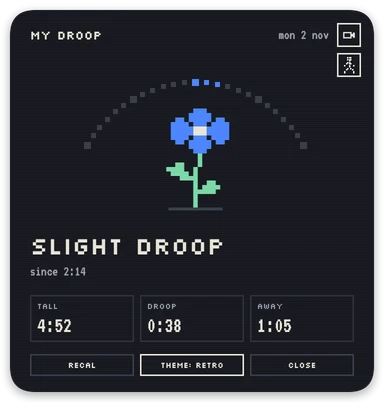
a flower on your mac that leans when you do. no alarms. no shame. nothing leaves your machine.
also on iPhone →why droop
less “sit up straight.”
more “oh — i was slouching.”
posture apps nag. droop just notices. a small flower on your desktop leans when you lean and lifts when you lift, so you catch yourself without anyone telling you off.
new · move breaks
every ten minutes or once an hour. you choose, and you can switch it off any time.
droop notices when you’re up.
snooze it with one tap.
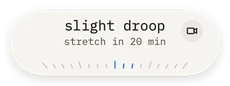
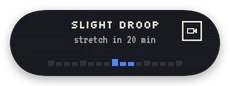
two moods
the pill and the detail view both come in two looks. switch with one tap in the detail view, and everything follows along.
the promise
from the journal
Most app lists come out in August, when everything feels possible. Here's what actually survives past week three.
read the storyYour posture changes what you remember. 86% of people recalled more negative memories while slumped. Same brain. Different angle. Different story.
read the storyYour head weighs 12 lbs. At a 60° tilt, that's 60 lbs on your spine. Here's the science behind tech neck and what actually helps.
read the storyfree, foreverno trial, no subscription.
runs on your macposture is read on the device.
works with apple watchone gentle tap, optional.
made by one personslowly, with care, and with your reviews.